Notion AI chats were exposed. Here is how to check your workspace.
Notion AI chats were exposed. If you use Notion AI, here is what the notice says, who it affects and what to check today.
What happened
Notion published a help page about a security incident at one of its vendors, Fireworks AI. In Notion's words, the vendor "notified us of a security incident impacting fewer than 1% of Notion workspaces."
Notion used Fireworks for two things. One was a feature called Insights, which looks at how members use AI. The other was running open-weight AI models. Notion also says some data volunteered by people in its early access program (LEAP) was used to experiment with training task-specific models on Fireworks.
The part that matters for most people is the chat data. Notion says the affected data is chat transcript text, and that "any input to or output from the model that was written to the chat is included in that chat transcript." So both what you typed and what the AI answered can be in there. Notion adds that AI Meeting Notes data (audio, transcripts, summaries) is only affected if it was used as input in a Notion AI chat.
The promise that did not hold
Fireworks had given Notion a contractual commitment to zero data retention. That means the vendor was not supposed to keep the requests it processed. Notion later found that data was retained from the Fireworks endpoints it used.
That is the real story here. The weak point was not Notion's own app. It was a promise from a vendor behind the feature, and the promise did not hold.
Notion also points out that the zero data retention terms on its Enterprise plan cover API requests sent to model vendors. They do not cover features that store requests and responses, such as chat history and Insights. If you assumed the label covered everything, that gap is worth knowing about.
What Notion did
Notion says that as of November 3 it disconnected its systems from Fireworks, deleted all data in the Fireworks system and stopped sending data and traffic there. It also halted all training runs. Insights is disabled, and open-weight models are no longer served through Fireworks.
On Fireworks' side, its security bulletin page lists an October 2026 incident. The October 10 notice says Fireworks "identified a security incident involving unauthorized use of internal Fireworks credentials and access to environment variables," used in evaluation jobs in a limited number of customer accounts. The page also shows a follow-up update dated November 9. I have not seen the full text of that update, so I am not going to guess at what is in it. Read it yourself at fireworks.ai/security/bulletins.
The three checks
- If you are a workspace owner: open the sidebar, click the ? icon, then open Security incident review. Use a desktop browser on the latest version of Notion, because the data is not available on mobile. You can download a list of affected members, and you can copy a link to share so each member can see their own affected data. If your workspace has a verified domain, you can also download the affected content as a CSV.
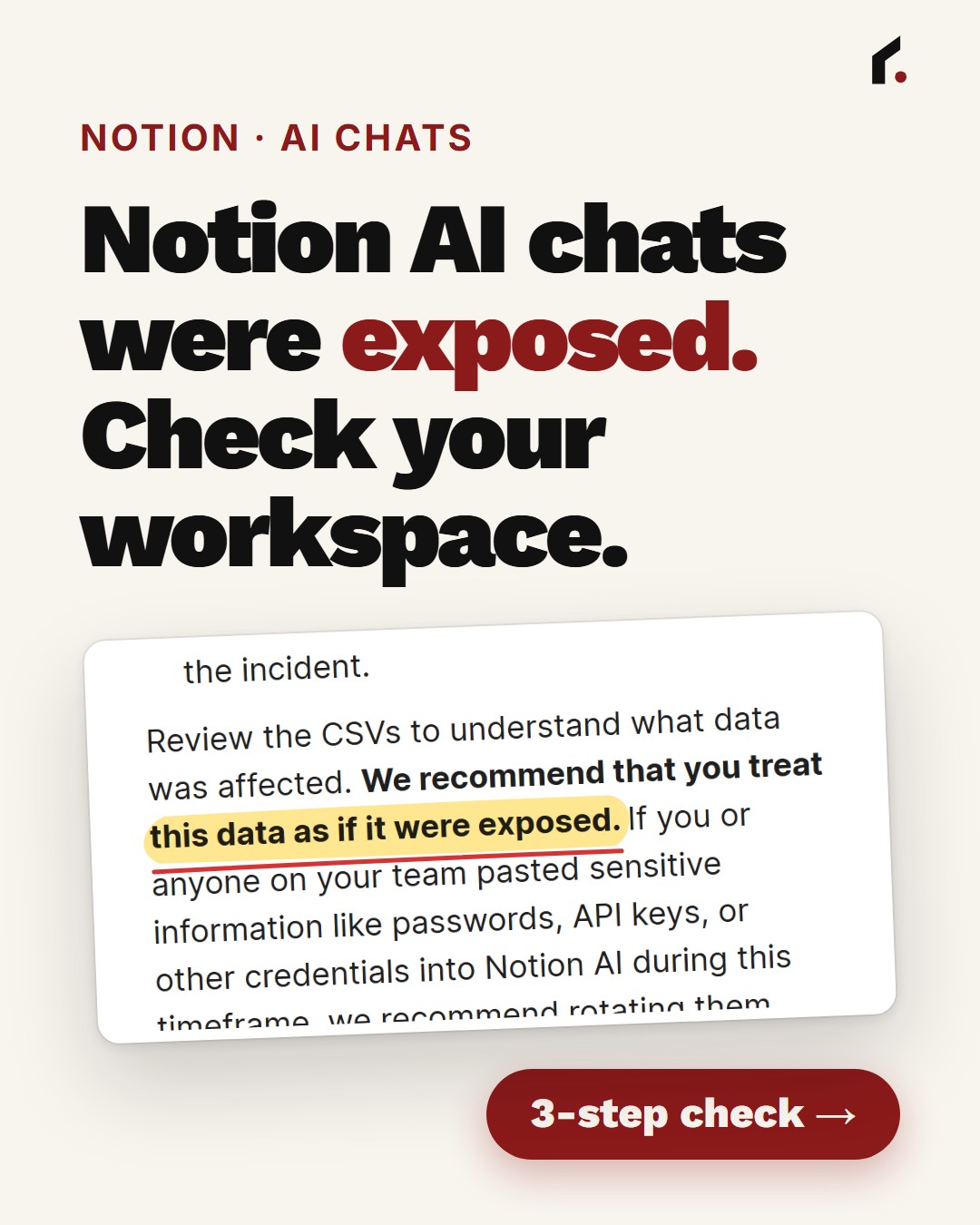
- If anyone pasted passwords, API keys or other credentials into Notion AI: change them. Notion's words are that "if you or anyone on your team pasted sensitive information like passwords, API keys, or other credentials into Notion AI during this timeframe, we recommend rotating them right away." Notion also recommends you "treat this data as if it were exposed."
- If neither you nor your workspace owner has heard from Notion: Notion says it has not identified your workspace as affected and no action is needed right now. Its investigation is ongoing, and it says it will contact you directly if that changes.
If you are not an owner, ask yours for the member link in step one. It is the only way you can see your own affected data.
What I take from it
This is my read, not Notion's. An AI chat box feels like a private notebook, but the text goes through other companies. Any of them can have a bad month. So the safest habit is to keep secrets out of the chat in the first place. Passwords and API keys do not need to be in a prompt. Put a placeholder in, and add the real value yourself where it runs.
I also think it is worth finding out which vendors sit behind the AI tools you pay for. Most tools publish a list somewhere. Notion's page named Fireworks, and that is why people could check anything at all.
What this does not say
The notice says fewer than 1% of workspaces. It does not say which ones, and it does not give the exact dates of the affected period. It also does not say what any outside party did with the data. Notion's advice is to assume it was exposed, so that is the safe way to read it.
Sources: Notion's help page "Notice about the Fireworks AI incident that may impact some Notion workspaces" (notion.com/help/security-incident-involving-a-third-party-ai-vendor) and Fireworks' security bulletins (fireworks.ai/security/bulletins), both read on November 11, 2026.
Do you know which companies sit behind the AI tools you use at work?