Your phone's AI can read Signal. Check this setting.
If you talk to clients, send contracts or discuss money in a chat app, there is a new reader on your phone. It is the AI assistant that ships with the operating system.
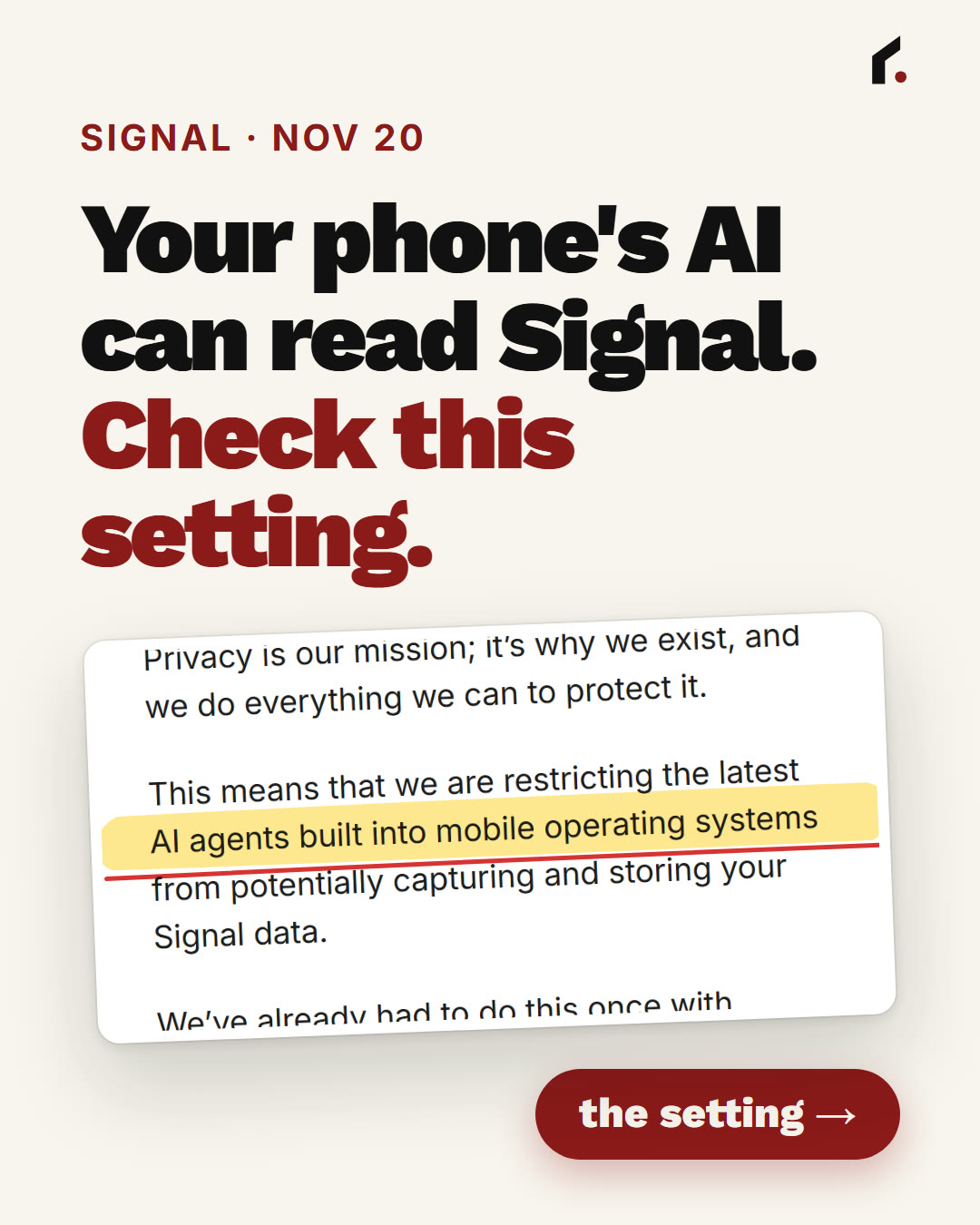
On 20 November 2026 Meredith Whittaker of Signal published a post called "Signal is Serious About Protecting Your Privacy". The short version: Signal is now restricting the AI agents built into mobile operating systems from capturing and storing Signal chats. This post is the longer version, with what is confirmed, what is not covered, and what to do this week.
What the problem is
An AI assistant that is built into your phone needs to see things to be useful. To answer a question about what is in front of you, it reads your screen. Signal puts it plainly: to gain access to information about you, these OS AI agents "scan" the information that's on your screen. In doing so, your Signal data is captured, then made available to those agentic systems so they can answer your questions and do your bidding.
Signal names the features it means. On Android it is Gemini Intelligence with Google Gemini. On iPhone it is Onscreen Awareness with Siri AI. Signal compares this to Microsoft Recall on Windows, which it already blocked last year: "we used screenshot blocking to prevent Microsoft's Recall AI from taking and storing screenshots of your Signal messages on Windows 11 operating systems by default."
The part that matters for anyone running a business: once the data is captured, Signal says it is outside Signal's control. It can end up in whatever local database or remote server the assistant is using at that moment, and it affects everyone in the conversation, not only you. A message you sent a client can be captured because the client's phone was showing it.
What Signal changed
Signal's fix is blunt. It stops the screen from being captured.
- iPhone. On iOS 27, Signal blocks screenshots in the app. Signal's own screenshot of its settings shows a new setting called "Block Siri AI". Engadget reports it is on by default. Treat that detail as reported, since Signal's text does not say it in so many words.
- Android. Signal already had a setting called "Screen security". Signal now turns it on automatically when it detects an AI assistant trying to read the screen.
- Windows. Already handled last year, as above.
You can switch the protection off. People who want to take screenshots can disable it in Signal's settings. Signal's warning is direct: doing so will potentially expose your (and your contacts') Signal content to these AI agents, and break its privacy guarantees.
What it does not cover
Signal is unusually honest about the gaps, and they are the useful part of the post.
Macs. Signal is not blocking Siri AI on macOS, because it says it cannot reliably block screenshots there. Its only recommendation for macOS 27 users is to add Signal to the Excluded Apps section in System Settings, under Siri.
Some Android phones. There are many versions of Android beyond Google's own. For many phone makers, Signal says it has no reliable way to detect when a screenshot was attempted. So it does not cover all Android devices. The detection also depends on the assistant trying to read the screen, which is why Signal describes it as "where we can detect an AI assistant".
Other routes to the same data. Signal calls its own remedy incomplete. Restricting screenshots does not address other, more sneaky ways an agent could reach application data, and it gives one example: retrieving content already present on a user's device through the filesystem.
Third-party agents. Signal says there is a growing need for tools that stop third-party agents, like Meta's Muse, from reaching app data through the deep permissions users are encouraged to grant them during setup. Many of these agents use accessibility settings that were meant to help people use their apps, not to act as a skeleton key for AI. Signal does not say its new measures cover them, and it says it needs tools it does not have yet.
What Signal is asking for
The post ends with two requests to Apple, Google and Microsoft:
- Give developers an easy, well-documented way to opt an app out of AI data access and processing. That includes screen reading, filesystem access, notifications, APIs and other OS frameworks.
- Write clear documentation of how these AI agents work, especially how they access and process data.
Signal also says it has spent considerable developer time on forensic investigations across Android and iOS to learn what these systems actually do with app data, because the documentation is thin. And it uses strong words: it calls the current integration of AI agents into the operating system, without these remedies, "an existential threat to privacy at the application layer". It also says Google and Apple are engaging with it, and that it is cautiously optimistic.
My read
I am not claiming I tested any of this. This is a read of Signal's own post and of the coverage of it.
The useful lesson is not about Signal. It is that the screen is now an input to an AI, and an app cannot fully promise privacy once its content is on that screen. Signal has done what an app developer can do, and says out loud that it is not enough. If a privacy-first app says it lacks the tools, it is fair to ask what the chat app you use for client work can do.
For an agency or service business, that points at a habit rather than a setting. Decide which conversations belong on a phone that has an always-on assistant, and which ones you would rather handle somewhere the assistant has no reach. Contracts, invoices and anything with account details are the first candidates.
What to check this week
- iPhone on iOS 27. Open Signal's settings and find "Block Siri AI". Check that it is on.
- Android. Open Signal's settings and find "Screen security". Check whether it is on, and remember that automatic switching depends on Signal detecting the assistant on your phone model.
- Mac. Open System Settings, go to Siri, and add Signal to Excluded Apps.
- Your contacts. Protection on your phone does not protect a message that sits on the other person's screen. Signal's own point is that the whole conversation is at risk, so this is worth a short word with the people you message most.
- Other apps. Open the privacy or AI settings of the other apps you use for client messages and see what they say about phone assistants.
Sources
- Signal, "Signal is Serious About Protecting Your Privacy", Meredith Whittaker, 20 November 2026: https://signal.org/blog/protecting-your-privacy/
- Engadget, "Signal now blocks screenshots by default to stymie AI agents": https://www.engadget.com/2323574/signal-now-blocks-screenshots-by-default-to-stymie-ai-agents/
- The Hacker News, "Signal Blocks AI Agents From Reading Private Chats via Screenshots on Android and iOS": https://thehackernews.com/2026/11/signal-blocks-ai-agents-from-reading.html
Which chat app do your clients message you on, and does it say anything about phone AI?