Windows 11 can log which AI coding apps you run. Here is how to check
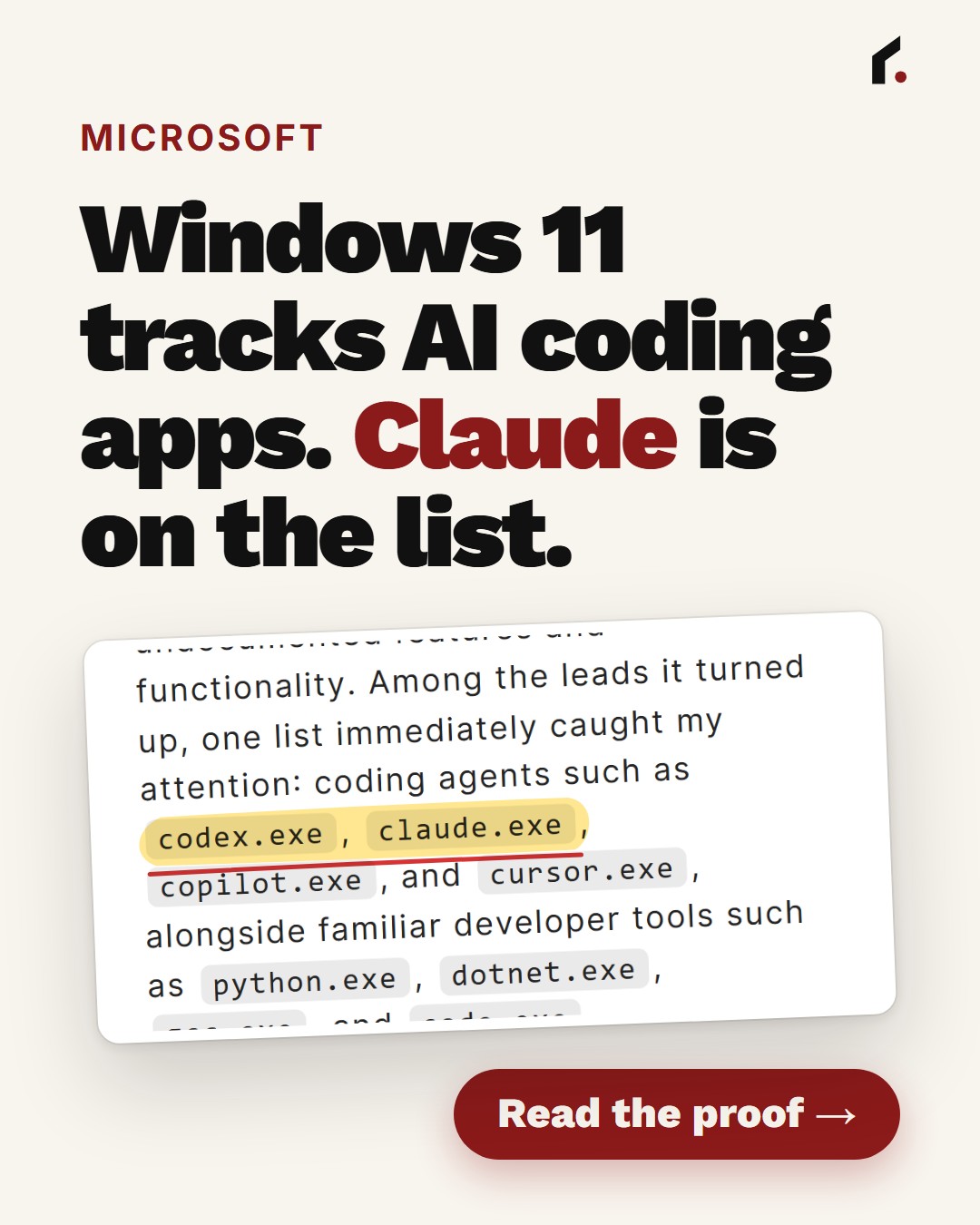
Windows 11 tracks AI coding apps, and Claude is on the list.
That is the short version of what a researcher named Xusheng published on 2026-11-16 in a post called Windows 11 Is Collecting Data on Which Coding Agents and Developer Tools You Use. The researcher reverse engineered a Windows 11 component and found that it keeps a list of coding agents and developer tools, and records which of them have been run on the machine. With "optional" diagnostic data turned on, that record can be uploaded to Microsoft.
This post goes through what the post found, what it did not find, and the one setting you can check this week. I am only passing on the findings here, so everything below is what the post says and nothing more.
What it records
The component is called MissionControlAggregator.dll. Inside it is a list of names. The coding agents on it include codex.exe, claude.exe, copilot.exe and cursor.exe. Next to them are the usual developer tools like python.exe, dotnet.exe, gcc.exe and code.exe, plus others.
When one of those runs, the component notes it. It saves that locally and reports it to Windows Diagnostics. Per the researcher, unless you opted out of the "optional" diagnostic data, which is enabled by default, the data is uploaded to Microsoft.
What it does not record
This part matters, so here it is plainly. The report is a bitmap. In plain words, it is a yes or no for each agent, meaning "this one was observed". It does not say how long you used it or what you asked it to do.
The researcher also looked inside the report for anything more sensitive. The post says no prompt text or source code turned up in it. So based on the post, Microsoft would see that a coding agent ran, and that is it.
I think that is still worth knowing about. A list of which AI coding apps someone runs is a small piece of data, but it is still data about you.
How it was tested
The researcher did not just read the code and guess. A copy of cmd.exe was renamed to codex.exe and run. The name alone was enough for the component to recognize it as Codex, and it ended up in the report.
That tells you how the detection works. It goes by the file name of the program. It also tells you the test was clean, because nothing real from Codex was needed to trigger it.
The researcher then found the event sitting in the upload queue of the Windows diagnostics service, marked as not required. That puts it in the optional tier, not the required one.
The honest caveats
I want to be careful here, because this is the kind of story that gets exaggerated fast.
- It is one researcher. I could not find a second outlet covering it as of 2026-11-17.
- It was tested on the researcher's own virtual machines.
- It is not proven active on every Windows install. On the public ISO baseline VM, the coding agent feature was disabled by the image default. On the researcher's own VM it was enabled as a service experiment. The post says the evidence does not support saying it is active on every Windows installation.
- The "enabled by default" part was shown for one clean Windows 11 Home install with a US region. The researcher saw the diagnostic data toggle already on, labeled "Include Optional". Other regions and editions are not covered.
- I could not find any statement from Microsoft on this as of 2026-11-17.
So the fair reading is this. A researcher says they found it and showed how it works. It has not been confirmed or denied by Microsoft that I could find, and nobody has shown it is running on your PC specifically.
What to do this week
You do not need to wait for anyone to confirm anything. Checking takes a few clicks, and it is a setting you control.
- Open Settings on your Windows 11 PC.
- Go to Privacy & security.
- Open Diagnostics & feedback.
- Turn off "Send optional diagnostic data".
That is the exact path the researcher gives for turning off the upload.
One thing to know before you flip it. This is the Windows wide setting for the "optional" tier, so it is not specific to coding apps. Turning it off stops the optional diagnostic data in general, not only this one event. As the post puts it, the upload depends on that optional data being allowed. If you were fine sending Microsoft the optional tier, you can leave it alone. If you were not sure you ever chose it, this is a good moment to choose.
The post does not say whether turning it off also stops the local recording on the machine. It only ties the upload to that setting. So I would treat the switch as controlling what leaves your PC, and I would not assume more than that.
If you want to look at your own state first, just open that same page and see what it says. On the researcher's clean install it already read "Include Optional". Yours may be different.
Why I think this is worth a look
If you build with AI tools on Windows, you may have Claude, Codex, Cursor or Copilot installed and never think about what the operating system notices about them. This finding does not say anything dramatic is happening. It says a quiet list exists, and that a single toggle decides whether it can leave your machine.
I think the right move is not panic. It is to know where the switch is, check it once, and decide on purpose.
If you run coding agents on Windows, did you know that optional diagnostic data was on, and will you leave it that way?
Sources
- Xusheng, Windows 11 Is Collecting Data on Which Coding Agents and Developer Tools You Use, 2026-11-16
- Hacker News discussion: https://news.ycombinator.com/item?id=50524736